A school of koi swimming by their natural instincts, a web of rippling light drifting with the breeze,
and water that changes with the time of day. Quietly, your desk becomes a pond.
Light settles in layers beneath the surface. Shadows drift through it, and after a while you forget this is only a desktop.
They align, dodge, cluster and scatter. Their schooling behavior is tuned against real fish footage: they do not snap into formation in unfamiliar water, they gather in small groups when calm, and only rush together at feeding time.
The shimmer on the water is not a texture — it is a refractive light field calculated in real time. Bright lines wind, fork and slowly reform, drifting with the breeze. Clear and bright by day, fading to one-third of that brightness at night.
It follows your desktop’s clock: golden at dawn, clear at noon, amber at dusk, ink at night. Fish drift under the lily pads to rest; the turtle and crab slowly patrol the pond’s edge.
Click the water to scatter a handful of food. Fish come in to feed, then drift off on their own.
Move your fingertip along the surface and nearby fish will trail in its wake.
The pond has its own residents. The turtle wanders; the crab sidesteps. Neither bothers the other.
The following are unretouched screenshots of the app actually running. The art draws you in; these frames earn your trust.
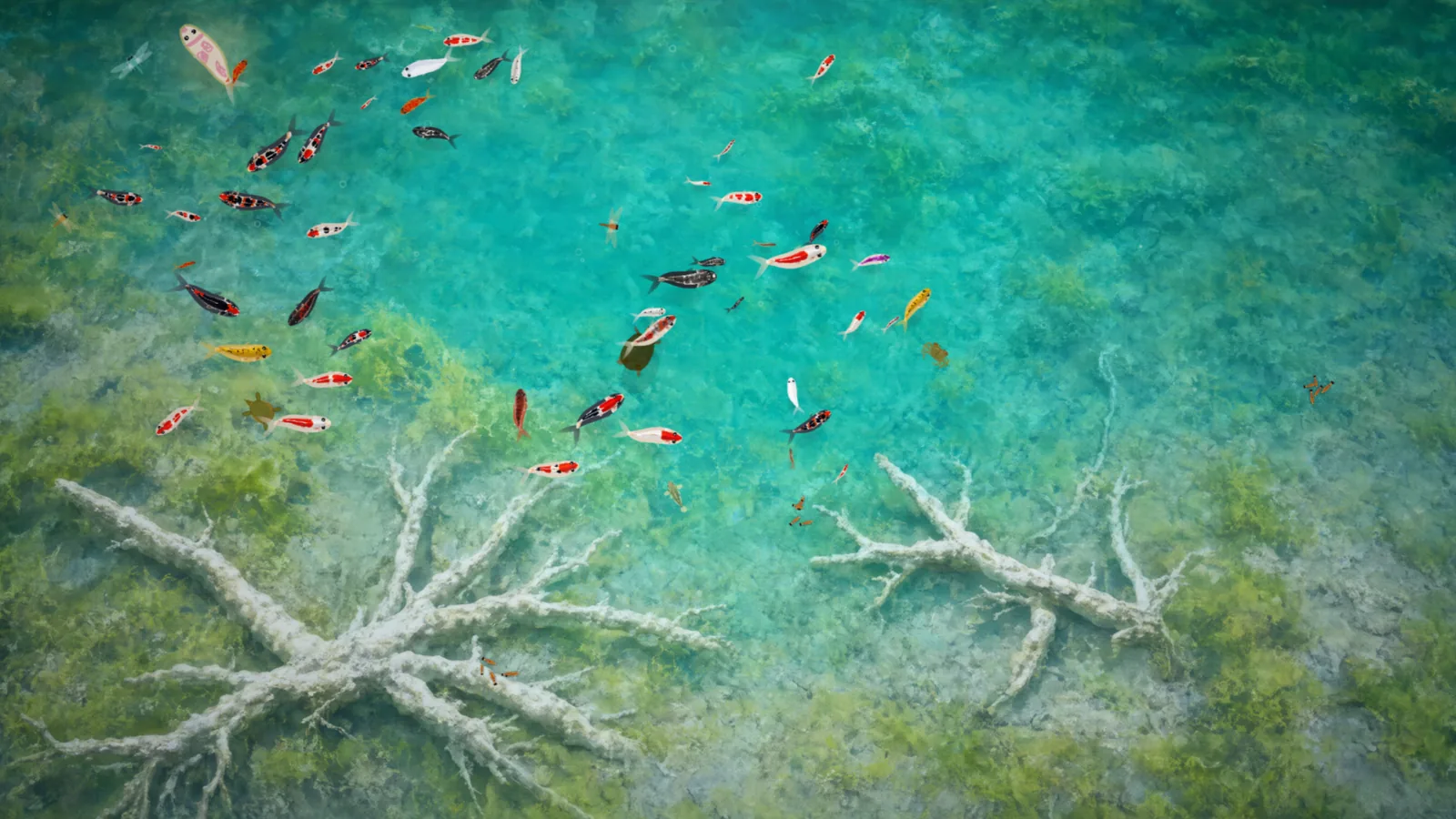
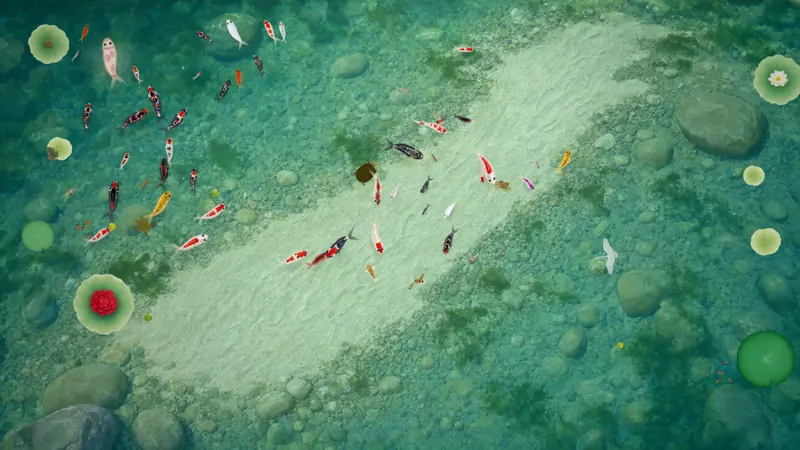
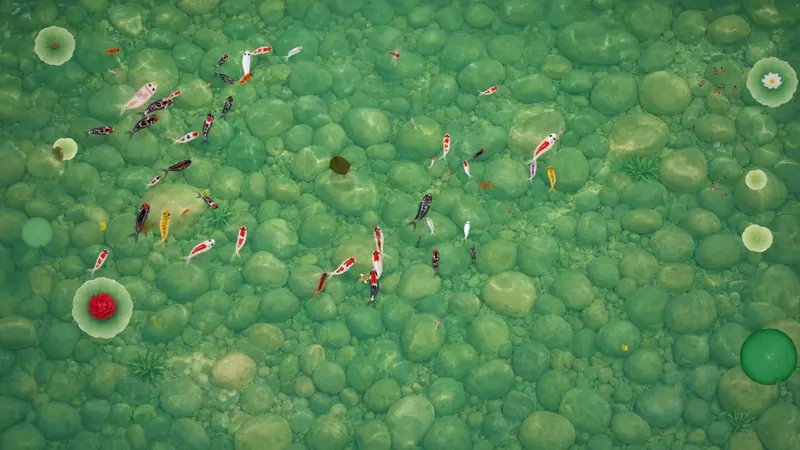
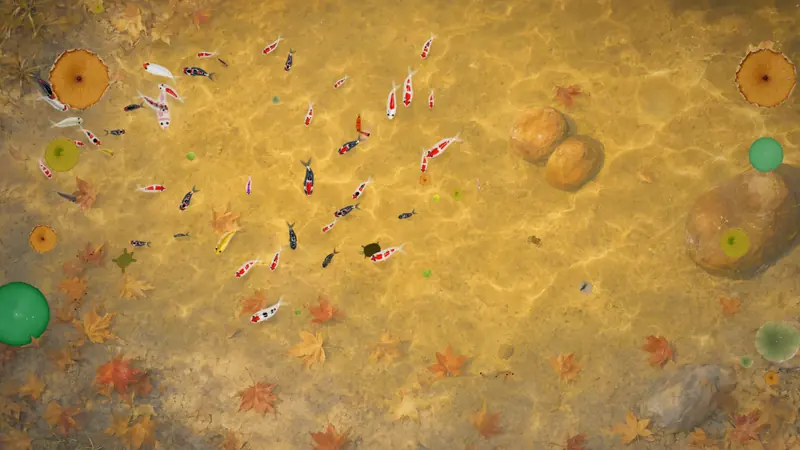
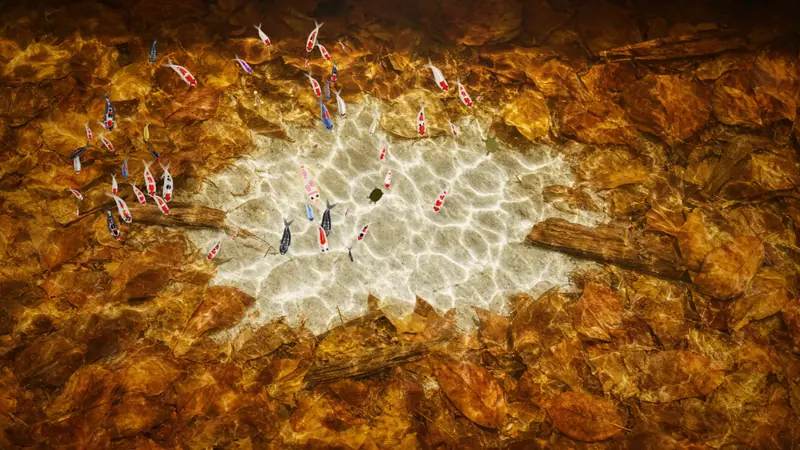
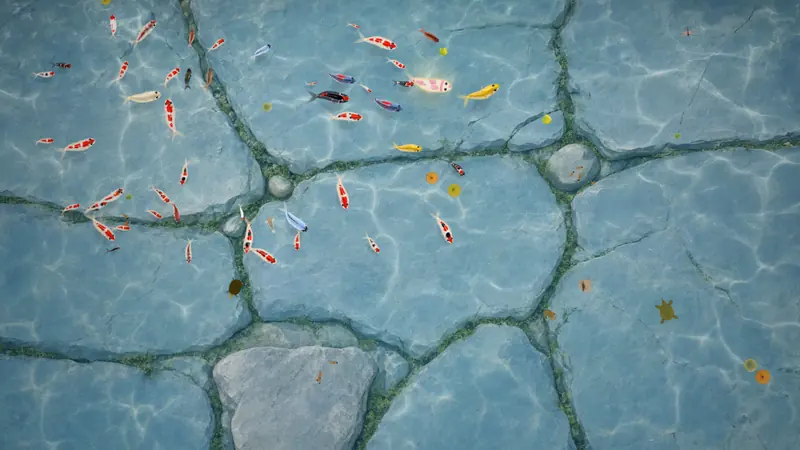
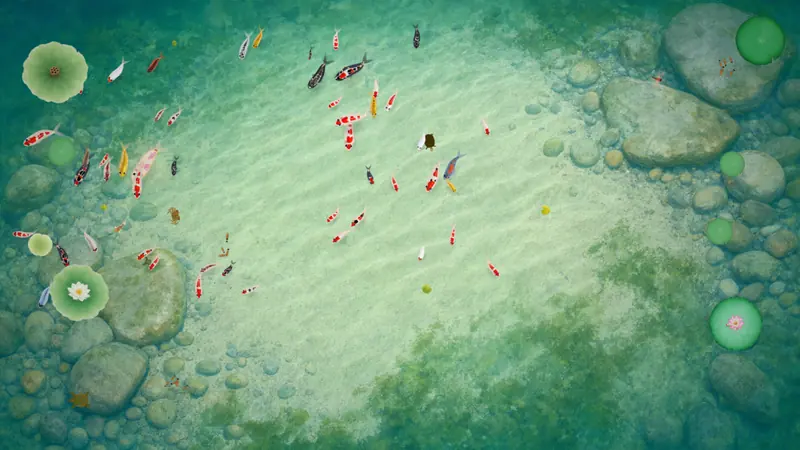
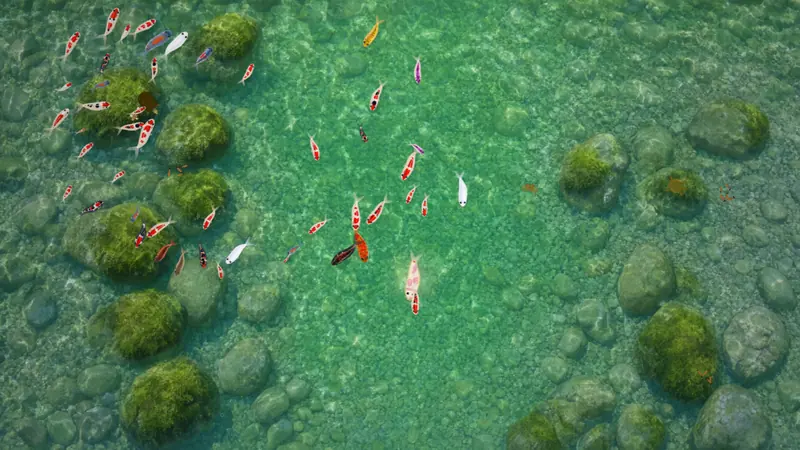
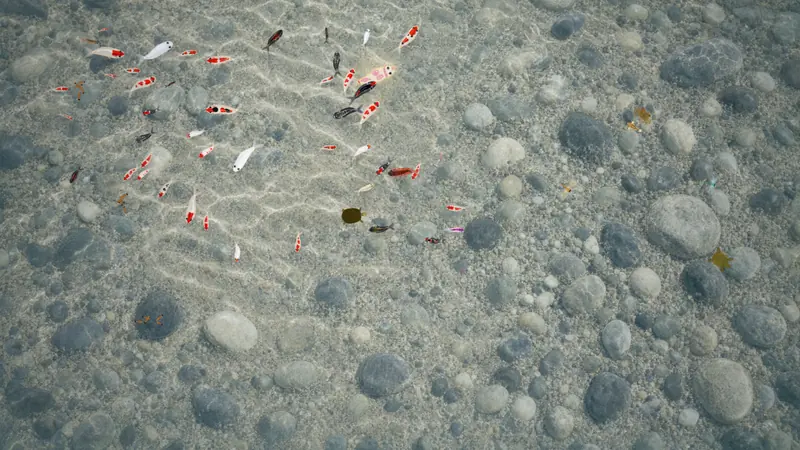

Scenes and weather are computed live — the clip above is real footage · 3-day trial on install
The free version keeps working, forever. The full version is a one-time purchase that hands you the whole pond.
| Free | Full · $4.99 | |
|---|---|---|
| Koi | Up to 3 | 10–50 |
| Fish appearance | Vector hand-drawn | Switch to lifelike real koi patterns |
| Pond beds | Jade ripples, 1 bed | All 16 beds (incl. seasonal) |
| Music & ambience | Ambient sound, music locked | All original music and ambience |
| Seasonal lotus | Base lotus | All four seasons |
| Corner badge | Shows “Not activated” | None |
| How long it lasts | Free forever | One-time purchase, no renewal |
| Pond-side branches (overhanging branches & drifting petals) | Not included | Seasonal, matching each pond floor |
Every new device gets a 3-day trial (one extra pond bed and the full ambient set). When it ends the app returns to the free version — the fish you drew and your settings stay.
See the full version →
Want to try it first? A 3-day trial is included. Go to downloads
After payment, your License Key is sent automatically. On first launch, open “Settings → About → Activate” and enter the Key for one-time online verification. The license is then stored locally, and the app runs fully offline. After a refund or payment dispute, the license may be deactivated.
